
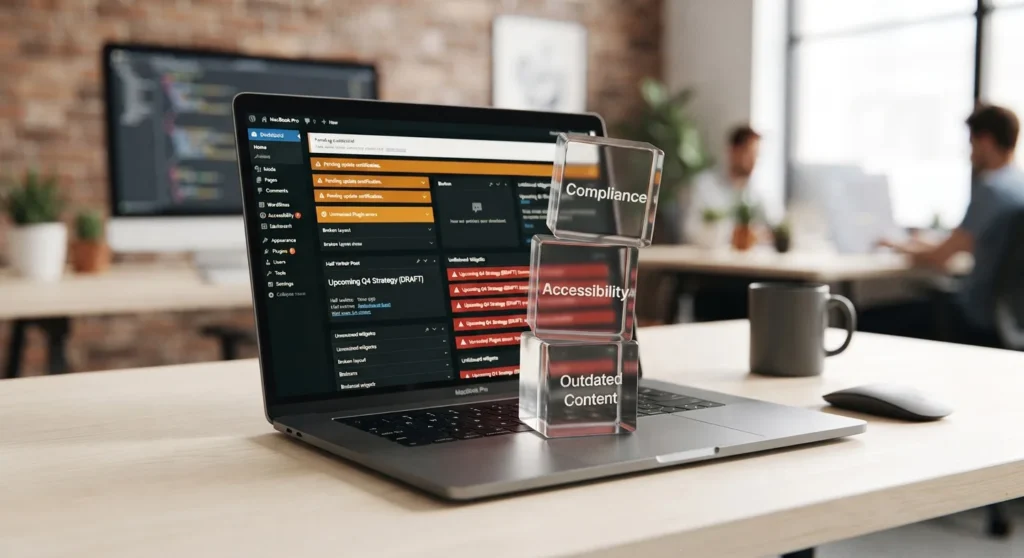
Understanding why WordPress websites fail in 2026 starts with looking beyond the CMS itself. WordPress still powers over 40% of the web, yet expectations for speed, accessibility, and structural clarity have never been higher.
When a company site struggles to rank or convert visitors, WordPress is rarely to blame. Instead, most WordPress websites fail because of rushed architectural shortcuts taken before launch and a complete lack of post-launch ownership.
Below are the six primary mistakes behind underperforming builds in 2026—and how your business can avoid them.
1. Treating the Website as a One-Off Project
Many organizations still treat a website launch like printing a brochure: once the domain goes live, the work is finished. That mindset breaks down quickly when products, markets, and compliance rules shift every quarter.
Where static builds fall short
- Publishing new landing pages or case studies becomes slow and requires developer intervention.
- Adjusting layouts for updated pricing or service tiers breaks rigid page templates.
- Meeting modern WCAG accessibility standards turns into a costly rebuild instead of a routine update.
How to avoid this mistake
- Map out future content and service expansion before writing a single line of code.
- Build with modular, reusable components so your team can publish pages without breaking visual consistency.
- Treat your site as a living commercial asset with an ongoing roadmap rather than a one-time expense.
2. Choosing Visual Effects Over Functional Clarity
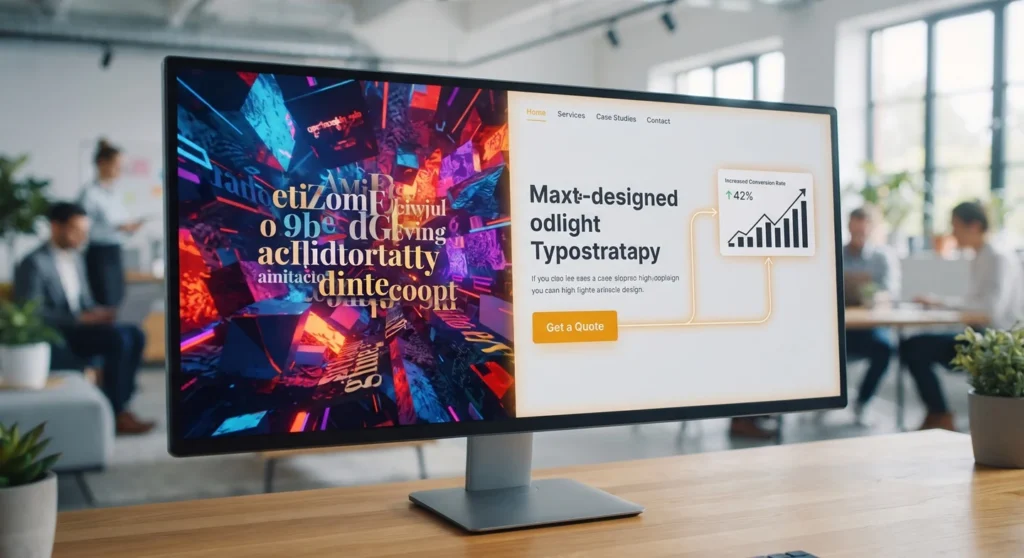
Design trends expire fast. Layouts overloaded with heavy scroll animations, auto-playing background videos, and experimental menus often distract buyers instead of guiding them toward a decision.
What visitors actually need
- Immediate clarity on what your company does and who you serve.
- Verifiable proof of expertise through real case studies and transparent processes.
- Frictionless paths to request a quote, book a discovery call, or compare solutions.
How to avoid this mistake
- Prioritize high contrast, readable typography, and clear visual hierarchy over decorative motion.
- Write page copy around real customer questions rather than internal company jargon.
- Keep navigation predictable across desktop and mobile devices.
3. Ignoring Speed and Core Web Vitals
Visitors abandon sluggish pages within seconds, and search engines penalize poor load times in competitive rankings. In 2026, slow performance directly erodes both organic visibility and buyer trust.
Even well-designed WordPress websites fail when heavy themes and unoptimized assets block the browser from rendering content quickly.
Common performance bottlenecks
- Bloated multipurpose themes loaded with unused CSS and JavaScript bundles.
- Overlapping page builders and third-party tracking scripts competing on the main thread.
- Underpowered shared hosting plans lacking server-level caching and global CDN delivery.
How to avoid this mistake
- Engineer for speed from day one with lightweight, custom-coded templates—a core focus of our custom web development services.
- Serve compressed WebP or AVIF images and defer non-critical third-party scripts.
- Deploy on properly configured cloud infrastructure tuned specifically for WordPress workloads.
4. Relying on Plugins Instead of a Solid Foundation
The WordPress ecosystem offers thousands of extensions, making it tempting to install a new plugin for every minor feature. Over time, stacking dozens of third-party plugins turns a clean installation into a fragile patchwork.
In fact, plugin overload is one of the fastest ways WordPress websites fail during routine software updates.

The hidden cost of plugin bloat
- Version conflicts that break contact forms, checkout flows, or layouts overnight.
- Elevated security risks when abandoned plugins stop receiving vulnerability patches.
- Slower database queries and cluttered admin dashboards that frustrate content editors.
How to avoid this mistake
- Build core business logic and custom layouts directly into a clean theme or dedicated custom plugin.
- Audit every extension before installation and remove redundant tools.
- Follow official WordPress documentation and coding standards to keep your foundation lean and maintainable.
5. Weak Content Structure for Modern Search and AI
Both traditional search engines and AI-driven answer engines rely on clear semantic structure to understand and recommend your brand. Pages filled with vague claims and disorganized headings struggle to rank or convert.
Structural issues that hurt visibility
- Generic service pages that sound identical to every competitor in your sector.
- Skipped or inconsistent heading levels that obscure the hierarchy of information.
- Missing schema markup, buried contact details, and unclear calls to action.
How to avoid this mistake
- Structure every page around specific buyer problems, technical solutions, and measurable outcomes.
- Maintain a strict H1-to-H3 heading hierarchy so readers and crawlers can scan effortlessly.
- Place clear, specific next steps on every key landing page.
6. Lack of Post-Launch Maintenance and Ownership
A WordPress site is active production software. Leaving core updates, security monitoring, and off-site backups unmonitored exposes your business to downtime, data loss, and reputational damage.
Without clear accountability, even high-budget WordPress websites fail within their first year of operation.
How to avoid this mistake
- Assign clear internal or agency ownership for monthly technical maintenance.
- Test core, theme, and plugin updates in a staging environment before pushing them live.
- Run automated daily off-site backups alongside continuous uptime and security monitoring.
Final Thoughts: Why WordPress Websites Fail vs. Why They Succeed
In 2026, high-performing business sites succeed because they are engineered with clean architecture, clear content hierarchy, and consistent care. Most WordPress websites fail not because the platform lacks capability, but because they are treated as static launches rather than evolving business systems.
At SquaresTech, we build lightweight, scalable WordPress platforms engineered for speed, security, and long-term growth. Ready to audit or rebuild your site? Request a free project proposal from our engineering team today.